The SOP Library / Local Visibility
Google Business Profile — Setup & Optimization
Claim, verify, and fully build a GBP so the profile is eligible to win the Map Pack from day one.
- 1
Claim or create the profile with the client's Google account — ownership stays with the client, we're added as a manager.
- 2
Verify (postcard/video/phone as offered). Nothing ships until verification clears.
- 3
Set the primary category to the single highest-value service; add every legitimate secondary category.
- 4
Complete every field: hours, phone, website, service areas, attributes, opening date — an incomplete profile caps ranking.
- 5
Write the business description around real services and city, no keyword stuffing.
- 6
Upload 10+ real photos (exterior, interior, team, work) — never stock.
- 7
Add services/products with descriptions and price ranges where the client allows.
- 8
Enable messaging if the client can answer; skip it if they can't (an ignored chat hurts more than none).
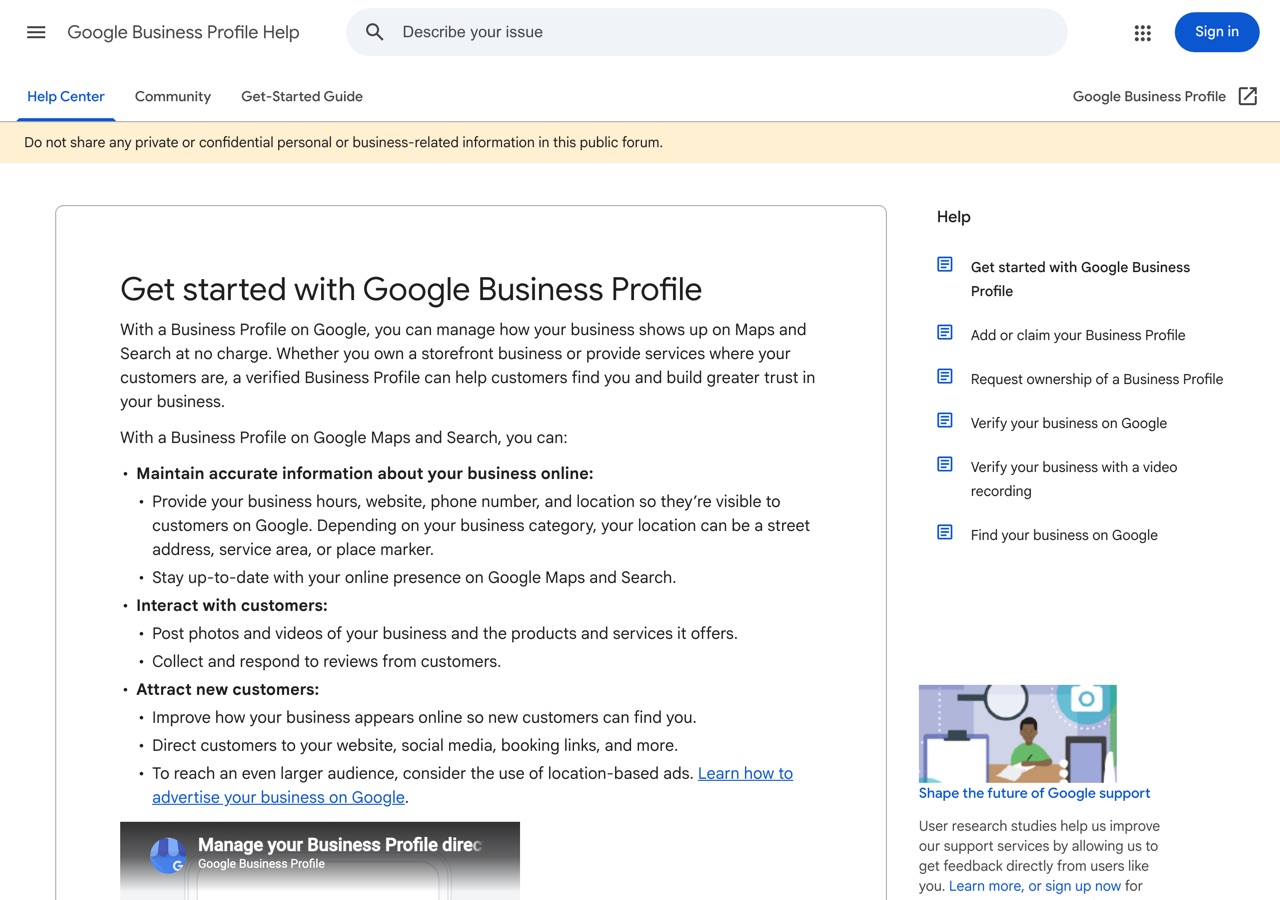
Source: Google Business Profile Help — Get started ↗
- NAP matches the website footer exactly
- Primary category matches the money keyword
- 10+ real photos live
- Profile scores 'complete' in the GBP dashboard
This is the procedure your clients get when you resell it — delivered under your brand, reported by the 5th.
Sell this as yours →